Roblox Programming Camp – Obby
Jun 3-Day Holiday Camp Singapore
Roblox Coding Classes for Kids – Learn to Code and Create Games.
3-Day Camp, 3-Hours/Day
Sign Up Now!
Learn to Code in Roblox For Kids
3-Day Roblox Holiday Camp Singapore, suitable for Ages 11 and above.
Small Class Size
Small & Individualized Learning
(Min. 2 to start a class)
Location
Computhink@ToaPayohLibrary
6, Toa Payoh Central,
Singapore 319191
Equipment
Laptops will be provided for all students who join this camp. Sign in & Create with personal Roblox account.
Roblox Programming Camp – Obby
Jun 3-Day Holiday Camp Singapore
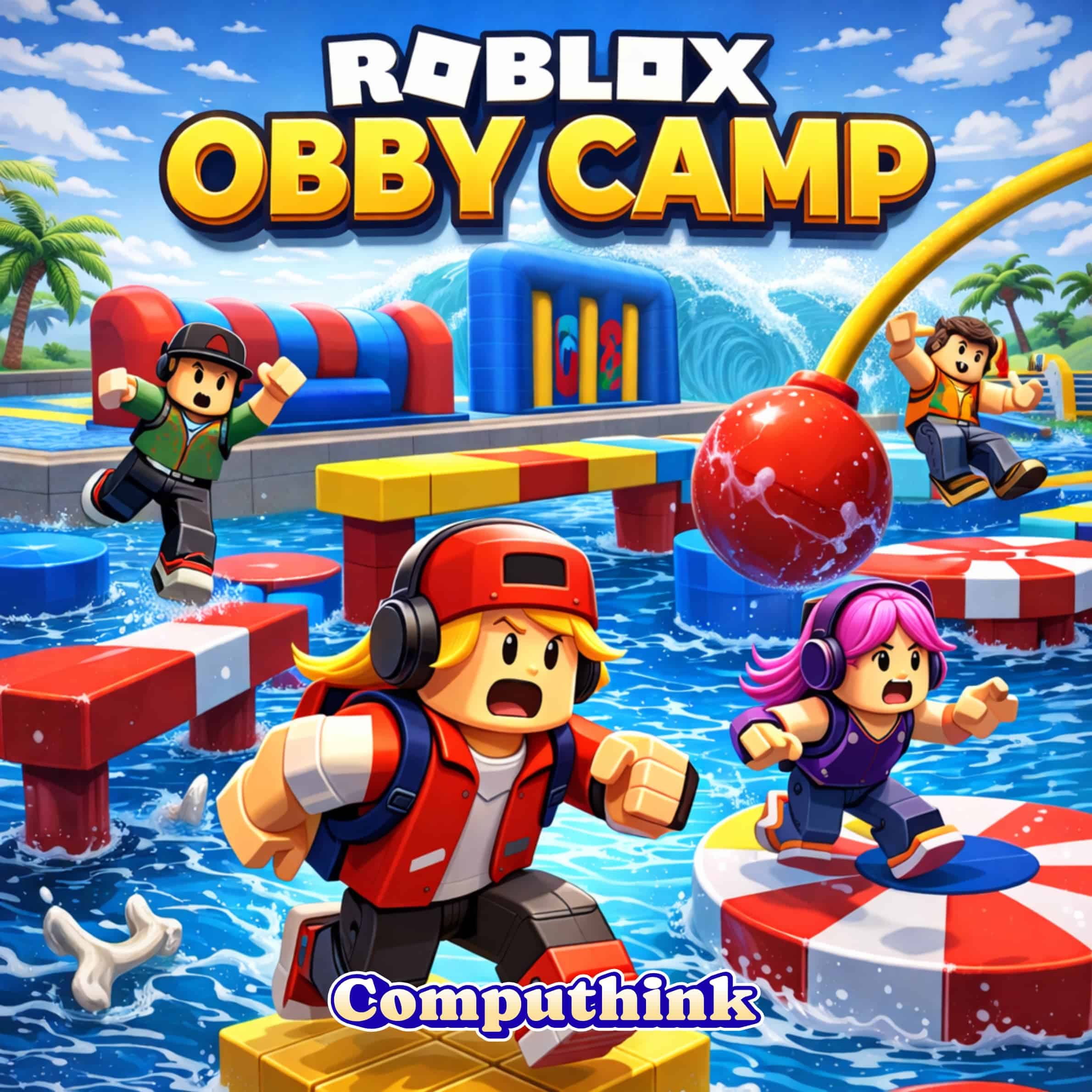
Roblox Programming Camp – Obby is a 3-day beginner-friendly coding camp for students aged 11 and above who enjoy Roblox and want to go beyond simply playing games. Using Roblox Studio, students learn basic Lua programming and game-building concepts while creating their own obstacle course game from the ground up.
This camp helps children turn their interest in Roblox into something more meaningful by teaching them how games are designed, coded and published — shifting them from passive players into active creators.
Our glowing 5-star Google reviews highlight the trust and satisfaction parents have in Computhink—see for yourself! Our 5-Stars Google Reviews.
Google Reviews

Melanie from the admin team has also been very helpful and responsive whenever I need help changing my child’s class schedule. She always assists patiently and makes the process very smooth.

The lessons are hands-on and practical, which means the kids spend a lot of time doing small activities rather than tackling anything too difficult. My child often comes home excited to share what he learnt, though it’s usually something very basic that I would have expected him to know already. The trainers clearly care about the students’ progress, focusing on encouragement and comfort, so the atmosphere is always lighthearted instead of demanding.
Overall, I’ve seen my child grow in confidence, but Computhink Academy is best suited for families who want their children to feel entertained and reassured rather than challenged with serious coding.


Compared to his school, my son says that teacher David is patient, kind and knowledgable. His teaching is clear and in-depth, and since the class was quite small, teacher David could help all of the students individually and help bolster their knowledge of computing.
I cannot but highly recommend Computhink as it has done well to prepare my son for his O level Computing subject as evidenced by his O level scores!

Compared to his school, my son says that teacher David is patient, kind and knowledgable. His teaching is clear and in-depth, and since the class was quite small, teacher David could help all of the students individually and help bolster their knowledge of computing.
I cannot but highly recommend Computhink as it has done well to prepare my son for his O level Computing subject as evidenced by his O level scores!


The teachers are great and the staff are extremely responsive, kind and accommodating.
They truly are what we know as customer/student centric.
I suppose it's no wonder why I've chosen to stick with them all these years. 🥰
-Shayan's mummy (Kamini)

Thank you so much! Nitesh scored at A1 for his Computing Paper!
The tr told me that he shows understanding. That's to say even when he goes wrong, he would pick up his mistake just as quickly!!
His dad and I really thank you...May God bless you ! 🌸🌸🌸🌸





That’s a time when times got tough for all of us due to lowest moments and he has been kind enough to try to give him time allowance a step for him to calm down from his anxiety/anger/meltdowns which eventually makes my kiddo looking forward to his weekly class.
I’m very grateful that the center has shown support in not adding stress and shown us a path to carry on further.
Definitely recommended parents to come here. Center is really very dedicated to all the students.








He enjoys & each time returned home bright eye & bushy tail (even though lesson was in late afternoon & after a long school day) showing his sis what he had learnt.
Mr Lee & his teachers are warm & approachable.


Thank you David and Jia Xiang for creating positive learning experience for my child! 🙂


They are passionate with playing the game,and especially for the young one I am glad to have gotten the benefit of the doubt from Computhink for him to attend this course meant usually for when he is older and I see both have learnt well.
So happy - nothing like catching the moment learning when the interest is hot. The rest is up to them.


More than just entertainment, I can see what will be the practical applications and benefits to his further study and work career later on.
I would highly recommend the center to anyone!
Roblox Coding Classes for Kids
For Ages 11+
Beginner-Friendly
Camp Slots:
3-Day Camp, 3 Hours/Day (Mon – Wed)
* Last updated Apr 2026
Camp Fees
$467
3-Day Camp
3-Hours/ Day

Don’t miss out!
Use code EARLYB10 for 10% off when you sign up before 10 May !
Send us a message via Whatsapp
Camp Outline
Roblox Coding Classes for Kids Singapore
This Roblox programming class is part of our broader range of coding and robotics classes that build future-ready skills. Parents looking for a trusted coding school for kids in Singapore choose Computhink because we make coding fun and accessible. Our Roblox coding classes give children the confidence to code, create, and publish their own games.
Limited spots—register now for the holiday’s top Roblox coding camp! Parents love us too―our 5-Stars Google Reviews speak volumes about the quality and joy Computhink brings to learning.
Day 1 : Start Building in Roblox Studio
Students are introduced to Roblox Studio and the basics of Lua programming. They begin learning how games are structured and start building the foundation of their own custom obby.
They will learn to:
• Navigate Roblox Studio
• Understand basic coding concepts
• Explore beginner Lua programming
• Start building a custom obby game world
This helps students see that the games they enjoy are made through planning, design and coding. It builds confidence with real creation tools and encourages them to think more actively about how digital experiences are built.
Key concepts: Lua programming, game structure, digital creation, logical thinking, coding confidence
Day 2 : Add Game Mechanics and Challenges
Students develop their obby by adding scoring systems, obstacles and interactive game mechanics. They begin to shape how the game feels for players and how challenge is designed.
They will build:
• Obstacle sections
• Scoring systems
• Simple gameplay mechanics and interactive features
This teaches children to think like both a programmer and a designer. They learn how rules, systems and player interaction work together, while strengthening problem decomposition, planning and structured creativity.
Key concepts: game mechanics, problem decomposition, interactivity, structured design, creative problem-solving
Day 3 : Test, Refine and Publish
Students complete their obby by testing it, fixing problems and refining the gameplay experience. They then publish a finished version that others can play.
They will:
• Test the game for bugs and playability
• Improve level design and mechanics
• Refine their obby based on feedback
• Publish a playable Roblox game
This gives students the valuable experience of finishing a project and sharing it with others. It builds resilience, attention to detail and pride in making something real, while showing them that they can create digital experiences, not just consume them.
Key concepts: testing and debugging, iteration, project completion, resilience, creative ownership
As students design obstacles, add scoring systems and build game mechanics, they develop more than coding knowledge. They learn to plan a player experience, solve problems step by step, test what works and improve their creations. It is a strong introduction to coding, game design and digital creation for children who are ready to move from consumer to creator.
This camp is especially compelling for parents whose child already loves Roblox, because it channels that interest into productive skill-building. It helps students:
Learn the basics of Lua programming and Roblox Studio.
Understand how games are designed, structured and built.
Develop problem-solving through coding and gameplay design.
Strengthen persistence by testing and improving their project.
Built confidence through completing and publishing a playable game.
Begin seeing technology as something they can create with, not just consume
Learning Tools
At Computhink, our enquiry-based approach encourages students to think critically and understand the “why” behind their learning.
Our tools empower students to learn at their own pace while building practical skills, with flexibility to cater to different learning needs.
Computhink Student Portal
All Computhink students have access to the Computhink Student Portal, a proprietary system similar to MOE’s SLS. Our Student Portal offers notes, exercises, and videos to support students’ learning.
Roblox Studio Coding Platform
Roblox Studio is free to install and use. This is where your child will have their own account, and where they will code their daily projects. Projects and accounts can be stored online and accessible forever.
Safe and Welcoming Environment
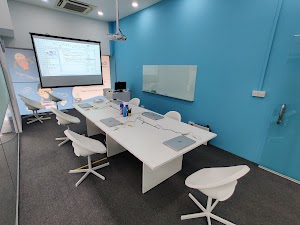
Students will attend their classes onsite. Laptop and all necessary equipment are provided. Online classes are available on a case-by-case basis.
Onsite Classes are conducted in our spacious classrooms in Computhink@ToaPayohLibrary.

FAQs
Item1
Is there any pre-requisites to joining this camp?
Although this is a camp for beginners, it is preferable your child has some programming background (e.g. in Scratch or other platforms).
Do I need to prepare anything for this camp?
Onsite Camp: Laptops will be provided for students attending our onsite classes. You may bring along a jacket and a water bottle for your child.
Online Camp: Please make sure that your child has a working computer or laptop (Recommended system – CPU: Intel Core i3-3210 3.2 GHz / AMD A8-7600 APU 3.1 GHz or equivalent, RAM: 2GB), with a strong internet connection, and a working web camera.
- For the best virtual learning experience, it is recommended to have a second monitor plugged into your main computer. i.e. you have 2 screens. One screen is for viewing the teacher’s screen, and another screen is for your child to do their code.
- For younger students of the age 7 to 8, please have an adult within calling distance for the first 15-30 minutes of the class, as they may need help with how to operate a computer.
- Join the online session 10-15 minutes earlier. We will usually have the zoom session up 15 minutes before the class starts.
Will there be any make up classes provided if my child miss a class?
We do not provide make up sessions, however, we do provide the class recordings and materials for any missed classes.
Do you provide a certificate upon completion of this camp?
We provide every student with a certificate of completion at the end of the camp.
Follow Us on Our Socials!
Follow us for coding tips, updates, exclusive discounts and more!