
Singapore O-Level / G3 Computing
O-Level / G3 Computing Syllabus K349: Key Topics and How to Master Them
Singapore’s G3 Computing, Syllabus K349, contains five modules: Computing Fundamentals, Algorithms and Programming, Spreadsheets, Networking, and Impact of Computing. The subject is not only about coding. Students must understand computing concepts, solve problems, work accurately with spreadsheets, explain how networks operate, and consider how technology affects people and society.
Paper 1 is a written paper covering all five modules. Paper 2 is a practical examination focused on Algorithms and Programming plus Spreadsheets. This guide explains what each module covers, what students need to be able to do, and how parents and students can approach revision without reducing it to memorising notes or repeatedly reading code. It also provides a short revision cycle and practical checks that families can adapt to the student’s current strengths and gaps.

O-Level Computing syllabus at a glance
- Syllabus: Singapore-Cambridge G3 Computing, Syllabus K349
- Five modules: Computing Fundamentals; Algorithms and Programming; Spreadsheets; Networking; Impact of Computing
- Paper 1: Written examination, 2 hours, 80 marks, 60%
- Paper 2: Lab-based examination, 2 hours 30 minutes, 70 marks, 40%
- Paper 2 software: Spreadsheet software, Python and JupyterLab
What students actually learn in G3 Computing
For parents, the simplest way to understand the subject is to see it as a combination of knowledge and application. Your child needs to understand how computers represent and process information, but also needs to use that knowledge to reason through unfamiliar problems. They may have to analyse a program, construct a spreadsheet formula, explain how data moves across a network, or apply an ethical or legal principle to a real-world situation.
For students, knowing a definition is only the starting point. You should be able to explain a concept in your own words, recognise when it applies, and use it accurately. Programming and spreadsheet skills also need repeated hands-on practice because small errors in logic, formulas or testing can change the result.
Families still considering the subject can also review the secondary schools offering G3 Computing. Check the current subject offering directly with the school before making a decision.
The five modules in Computing Syllabus K349
1. Computing Fundamentals
What it covers: This module introduces computer architecture, data representation and logic gates. Students work with the functions of key computer components, storage media and interfaces. They also represent values using binary, denary and hexadecimal, and use Boolean statements, logic circuits and truth tables.
What students must be able to do: A student should be able to explain what components such as the processor and memory do, convert positive whole numbers between number systems, represent signed whole numbers using two’s complement, and solve logic problems involving gates and Boolean expressions. Our step-by-step guides cover two’s complement, binary and hexadecimal and logic gates and truth tables.
Why it can be difficult: Several ideas are precise and interconnected. A conversion method may look familiar, yet one incorrect place value changes the answer. In logic questions, students must move reliably between a statement, a circuit and a truth table instead of remembering each representation separately.
How to practise:
- Complete short number-system conversions, then describe each step aloud.
- Build truth tables one input combination at a time and check that no combination is missing.
- Draw a simple path from input to processing, storage and output, then explain the purpose of each component.
- Keep a small list of errors, such as confusing an address bus with a data bus, and revisit it later.
Where it appears: Paper 1.
2. Algorithms and Programming
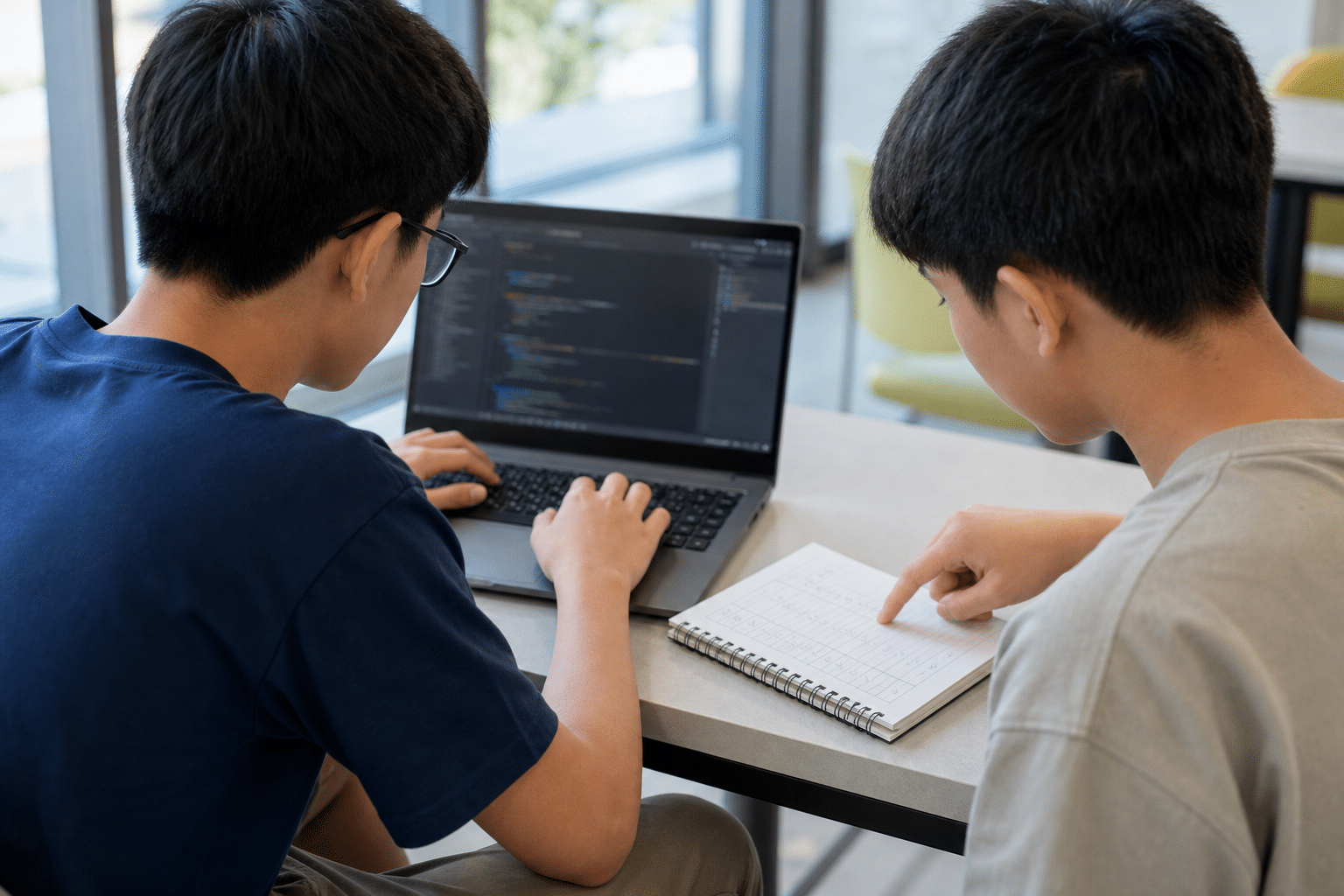
What it covers: This module joins problem analysis, programming, testing, debugging, algorithm design and software engineering. Students interpret flowcharts, write Python, use data types and common constructs, work with files, lists and dictionaries, design test cases, trace programs, and refine solutions.
What students must be able to do: A student should be able to identify the required inputs and outputs, break a problem into manageable parts, predict what code will do, implement a solution in Python, and test normal, error and boundary conditions. They also need to locate syntax, logic and run-time errors and explain how a program can be improved.
Why it can be difficult: Reading a completed solution can create a false sense of familiarity. The harder step is producing or repairing a solution without being shown every line. Students also have to connect the intended algorithm with the actual values changing during execution.
How to practise:
- Trace a short program manually before running it, recording how key variables change.
- Write small functions for one purpose, then combine them into a larger solution.
- Test incrementally instead of waiting until the whole program is complete.
- For every task, include normal, error and boundary test data and state what each test is checking.
Where it appears: Paper 1 and Paper 2.
3. Spreadsheets
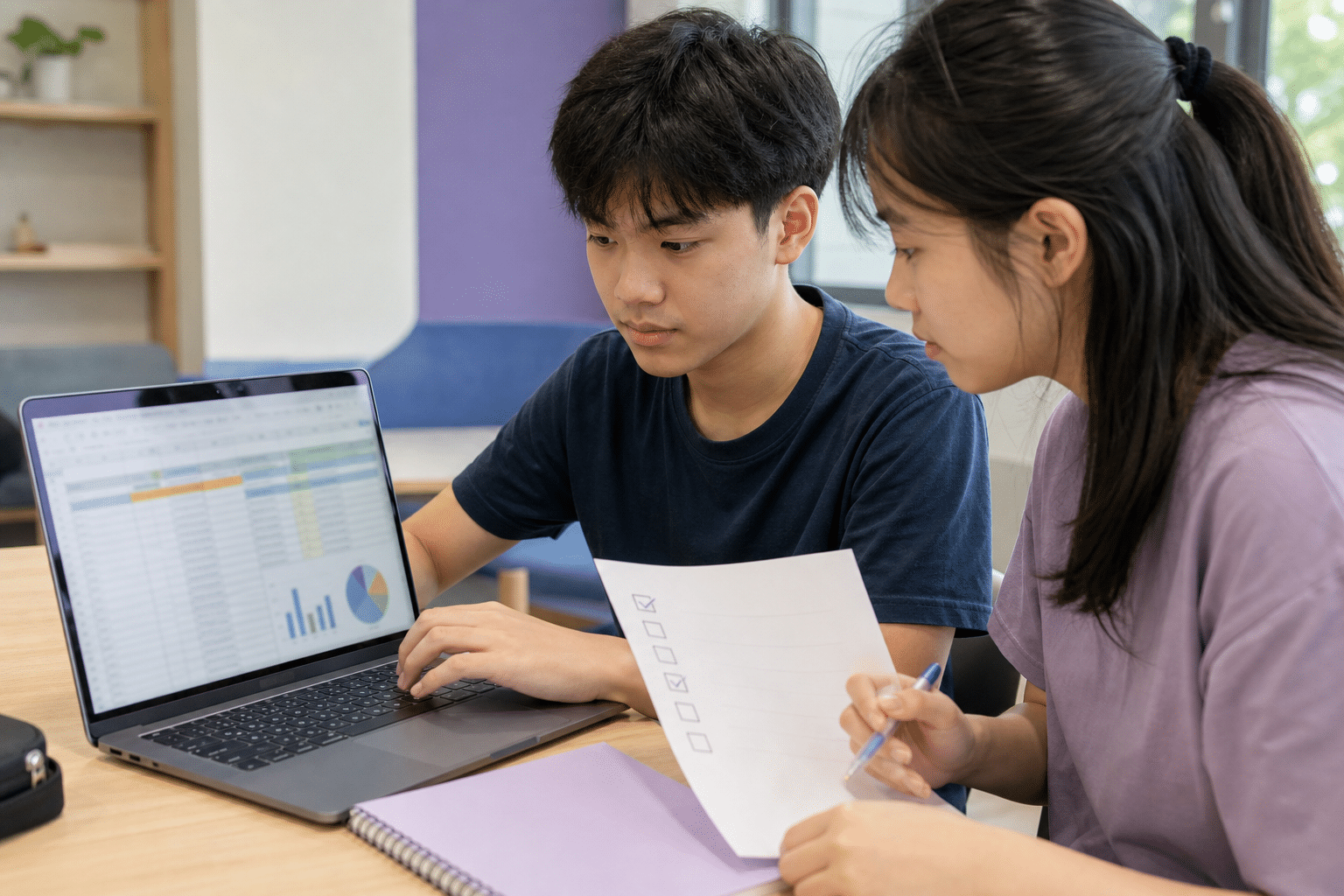
What it covers: Spreadsheets are a practical computing discipline in this syllabus. Students use relative, absolute and mixed cell references, formulas, logical, mathematical, statistical, text, lookup and date functions, as well as features such as Goal Seek and Conditional Formatting.
What students must be able to do: A student should be able to choose the correct function, construct formulas accurately, copy them without breaking references, manipulate data and check whether the displayed result is reasonable. The task is not complete merely because the spreadsheet shows a value. Our guide to VLOOKUP, INDEX, MATCH and the other Paper 2 spreadsheet functions works through each one with a sample dataset.
Why it can be difficult: A formula can be syntactically valid and still be logically wrong. Common sources of trouble include selecting the wrong range, locking the wrong part of a cell reference, using an approximate lookup where an exact match is needed, or failing to test the result.
How to practise:
- Rebuild short formulas from a written requirement rather than copying a model answer.
- Predict how a reference should change before filling a formula across rows or columns.
- Test a spreadsheet with small values whose answer can be checked manually.
- Complete short timed tasks, then spend a separate pass checking ranges, references and edge cases.
Where it appears: Paper 1 and Paper 2.
4. Networking
What it covers: This module explains network concepts, home networks, the internet, security and privacy. Students learn about wired and wireless transmission, LANs and WANs, network architectures and topologies, protocols, addressing, networking devices, packet-transmission checks, and measures such as firewalls and encryption.
What students must be able to do: A student should be able to explain how a home network connects to the internet, distinguish the roles of a modem, router, switch and wireless access point, compare address types, and apply security or privacy measures to a given threat.
Why it can be difficult: Memorising device names is not enough. Questions can require students to explain how several components and rules work together. Similar terms, such as security and privacy or MAC and IP addresses, must be distinguished by purpose rather than by a single memorised phrase.
How to practise:
- Sketch a familiar home network and label how a laptop reaches the internet.
- Explain what would fail if one component were removed or connected incorrectly.
- Compare two related terms using purpose, scope and an example.
- For a security scenario, identify the threat, choose a relevant protection and explain why it helps.
Where it appears: Paper 1.
5. Impact of Computing
What it covers: This module examines how computing affects communication, education, transport and retail. It also covers intellectual property and software licensing, online falsehoods, and emerging technologies including artificial intelligence and machine learning.
What students must be able to do: A student should be able to give a relevant example, identify the people or organisations affected, and explain a consequence. They should distinguish software licences, recognise software piracy, and explain how technology can create both benefits and risks in a particular setting.
Why it can be difficult: Generic statements rarely show enough application. Saying that technology is simply “good” or “bad” does not explain who benefits, what changes, or what trade-off is involved. Students need to connect a principle to the details of the scenario.
How to practise:
- Use a three-part response: make a claim, apply it to the scenario, and explain the consequence.
- Compare two stakeholders who may be affected differently by the same technology.
- Sort examples of proprietary software, freeware, shareware and free and open-source software by their licence conditions.
- Review a short AI or social-media scenario and identify one benefit, one risk and one responsible action.
Where it appears: Paper 1.
Paper 1 versus Paper 2
Both papers are compulsory. Paper 1 is not simply a test of memorised theory, and Paper 2 is not only a coding paper.
| Paper 1 | Paper 2 | |
|---|---|---|
| Mode | Written | Lab-based practical |
| Duration | 2 hours | 2 hours 30 minutes |
| Marks | 80 | 70 |
| Weighting | 60% | 40% |
| Coverage | All five modules | Algorithms and Programming; Spreadsheets |
| Tools | Relevant formulae are provided | Spreadsheet software, Python and JupyterLab; a Python quick-reference guide is provided |
| Question format | Multiple-choice, short-answer, matching, cloze and structured questions | One spreadsheet question and four to five programming questions |
Paper 1 assesses knowledge, understanding and application across the whole subject. Students may need to calculate, compare, explain, analyse or design rather than repeat a definition.
Paper 2 requires students to produce working digital solutions and submit the required files. The allotted time includes saving that work, so file handling and checking should be part of normal practice.
How to master Paper 1
A useful Paper 1 routine has five steps:
- Learn one concept in a small unit. Focus on one relationship, method or distinction at a time.
- Recall it without notes. Write or explain what you know before checking the textbook.
- Apply it to a new scenario. Change the setting so that you have to choose the relevant concept.
- Check the command word and marks. An instruction to explain needs more than a list of terms.
- Record and revisit the error. Note whether the problem was missing knowledge, weak application, misreading or incomplete explanation.
How to master Paper 2
Paper 2 Practical assessment performance improves through doing. Short, regular tasks are more informative than simply reading a completed program or spreadsheet.
For programming, plan a small solution, implement it, test it, locate errors and refine it. Use trace tables, selected print statements and incremental testing to understand what the program is doing. For spreadsheets, translate a requirement into a formula, test the result with known values, and check cell references before copying the formula.
As the examination approaches, practise in the relevant software environment and add timed sections. Include time to save and verify the required work. Parents can ask to see a working program or spreadsheet together with the student’s test cases, not only a folder of completed notes.
A four-week starter revision plan
Adapt the below to the student’s school schedule, assessment dates and current gaps.
- Week 1: Diagnose. Use marked work or a short practice task to identify one Paper 1 weakness and one Paper 2 weakness.
- Week 2: Repair. Relearn the underlying concept, then complete small untimed tasks until the method can be explained and repeated.
- Week 3: Mix and time. Combine topics so the student has to choose the method, then introduce timed sections.
- Week 4: Apply and review. Complete an exam-style task, analyse every error, and repeat the weakest question type with a changed example.
For a fuller revision framework, read these detailed O-Level Computing study strategies.
Revision checklists for parents and students
Parent checklist
- Can my child explain what each paper assesses?
- Can my child identify two current weak areas using evidence from marked work?
- Is practical work happening regularly, not only before tests?
- Does my child review why an answer, program or formula failed?
- Is help needed for a specific concept, practical skill or study routine?
Student checklist
- Can I explain each concept without copying my notes?
- Can I trace and visualise code before running it?
- Can I complete spreadsheet tasks without relying on trial and error?
- Can I apply networking and impact of computing concepts to a new scenario?
Frequently asked questions
Is O-Level / G3 Computing mainly about coding?
No. Programming is important, but the syllabus also covers computer systems and data representation, spreadsheets, networks, security and privacy, and the impact of computing. Paper 1 assesses all five modules.
What are the five modules in Singapore’s Computing Syllabus K349?
The five modules are Computing Fundamentals, Algorithms and Programming, Spreadsheets, Networking, and Impact of Computing. These names come from the official SEAB Syllabus K349.
What is the difference between Paper 1 and Paper 2?
Paper 1 is a two-hour written examination worth 60% and covers all five modules. Paper 2 is a two-hour-thirty-minute lab-based examination worth 40% and covers Algorithms and Programming plus Spreadsheets.
Which programming language is used for O-Level Computing?
Syllabus K349 uses Python. For Paper 2, candidates have access to Python and JupyterLab, and SEAB provides a Python quick-reference guide. Students should check the official syllabus for their own examination year.
How can parents help without knowing how to code?
Focus on routine and evidence. Ask your child to explain a concept, show a working program or spreadsheet, describe the test cases used, and review why an earlier attempt failed. You do not need to supply the technical answer to notice whether the explanation and practice are clear.
What changes in 2027 under the Singapore-Cambridge SEC?
From the 2027 graduating cohort, the previous GCE N(T), N(A) and O-Level examination certificates are combined under the SEC. G3 Computing uses Syllabus K349, which replaces the O-Level Computing syllabus. SEAB states that the mode of assessment and overall examination standards remain the same as the previous examinations.
When structured support may help
If a student understands what to study but still struggles to turn that knowledge into complete written answers, reliable programs or accurate spreadsheet work, structured support can help identify the specific gap and build a more consistent practice routine.