
Coding Classes for Beginners in Singapore, Ages 7 to 16
A free level assessment tells you exactly which level your child starts in, before you pay for anything. Book a free level assessmentWhatsApp usFree level assessment
10 to 20 minutes
Ages 7 to 16
Toa Payoh or online
What is the Computhink level assessment?
The Computhink level assessment is a free 10 to 20 minute test for children aged 7 to 16. It checks your child’s coding experience, capability and aptitude. A Code Mentor then meets you one to one, recommends the CodeThinker level to start at, and you pick a weekly time slot. Online or at our Toa Payoh centre.
Which level will my child start in?
Start with your child’s age. The assessment confirms the level.
Age is only the starting point. A child can start above or below the age band, and the assessment is how we find out which.
Three programs, one path from age 7 to G3 Computing
The full path runs to 10 CodeThinker Levels and over 300 topics, from dragging blocks to writing code.

AGES 7 TO 11
Foundation
CodeThinker Levels 1 to 5
What your child builds: games and animations in Scratch and Minecraft Education, plus working robots.
Why parents pick it: your child drags blocks together and has something running on the first day. Creativity, problem solving and computational thinking come out of the building.

AGES 12 TO 14
Essential
CodeThinker Levels 6 to 8
What your child builds: real programs in Python, and web pages in HTML, CSS and JavaScript.
Why parents pick it: this is where a child starts writing code by hand. Python, HTML, CSS and JavaScript are the languages secondary school computing runs on.
AGES 15 TO 16
G3 Computing
Sec 3 and Sec 4 · Our Focus program
What your child builds: advanced, modular projects across the G3 Computing syllabus.
Why parents pick it: it is an academic destination, aimed at G3 Computing and a tertiary education in computer science. Students move in after completing the Essential levels, or straight from Sec 3 and Sec 4.
Which one is your child?
Book the free level assessment and a Code Mentor will tell you, in about twenty minutes, at no cost.
What happens when you book
Parents often ask whether there is a trial before committing to a term. The free level assessment is it. Your child sits a short test, you meet a Code Mentor face to face, and you leave with an answer.
1
Pick a time that works
Booking takes a minute on our calendar. There is no charge and no card details.
2
Choose online or at the centre
Both give you the same recommendation. Coming to Computhink@
3
Your child sits a short test
10 to 20 minutes, covering what your child has done before, what they can do now, and how they take to the material.
4
A Code Mentor reviews the result
The test is read before you sit down, so the conversation starts with your own child’s answers.
5
You talk to the Code Mentor, one to one
Bring your questions. What your child will build, how the levels work, what a term costs. You have the mentor’s full attention for this part.
6
You get a level and a program
Foundation, Essential or G3 Computing, with the CodeThinker level named inside it. You leave knowing where your child starts and what comes after it.
7
You choose a weekly time slot
Same time every week for the semester, picked to fit around school and everything else in the family calendar.
Which of these sounds like your child?
The child who has never coded
Foundation is built for exactly this. Your child drags blocks together in Scratch and Minecraft Education and has something working by the end of the first lesson. Nobody arrives behind, because Level 1 assumes nothing.
The child who has coded before
A child who has already done Scratch at school, or Python at another centre, should not repeat a year of it. The assessment finds the real level and starts your child there.
The Sec 3 or Sec 4 student
G3 Computing here is a full academic track aimed at the paper itself and at a tertiary education in computer science. The assessment shows what ground your child has already covered and what is left.
The parent who is unsure
You do not have to work this out on your own. Come in, let your child sit the test, and ask a Code Mentor everything before you decide anything. That is the entire point of a free assessment.
What your child gets as a Computhink student
Assessment reports
Your child is tested and graded every semester, and the results go into a Student Report you can actually read. You never have to guess whether it is working.
Hands-on programming
Your child writes real programs from the start. Syntax and algorithms, applied to games, animations and software that runs.
A 10-level curriculum
10 CodeThinker Levels and over 300 topics. Every term has a next step already waiting, so this is a path rather than a one-off class.
Parent consultation
Sit down with a Computhink expert to talk through how your child is doing and what to do next.
Small class sizes
Classes are kept small on purpose, so a mentor notices the moment your child is stuck.
Project portfolio
Your child keeps every project built here. The best of them go into our public Project Gallery.
“Do the difficult things while they are easy and do the great things while they are small.”
Lao Tzu
See the classes before you decide
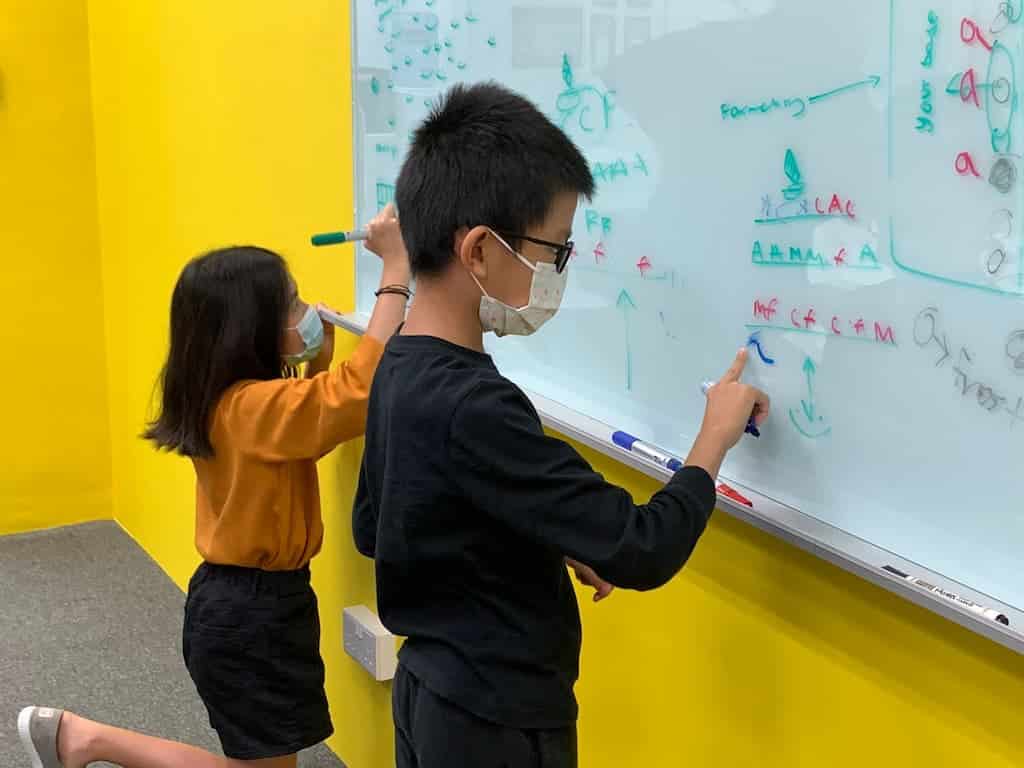
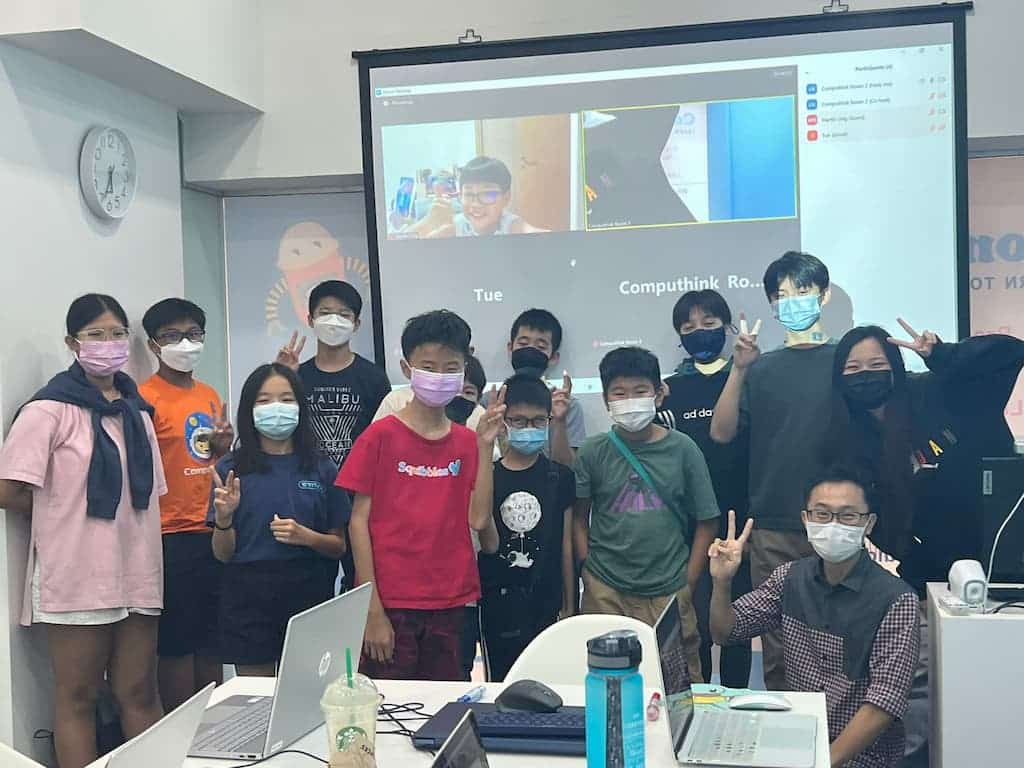
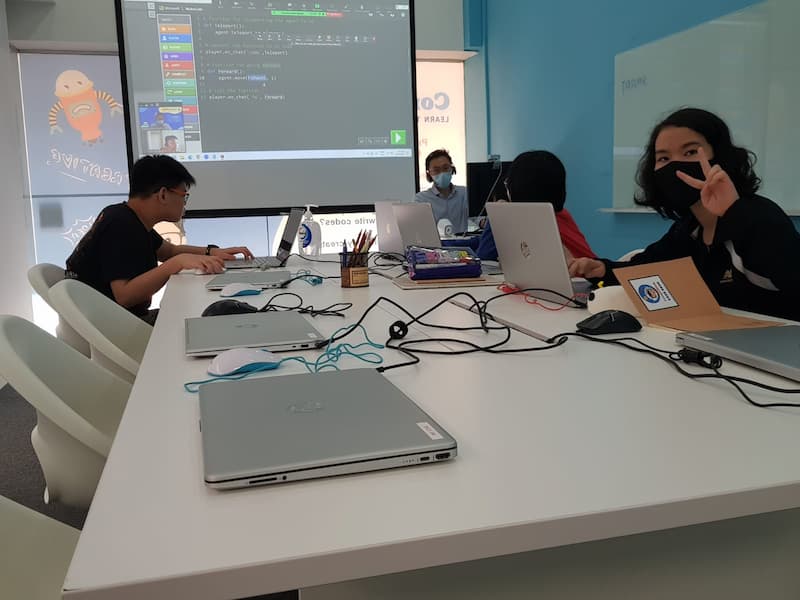
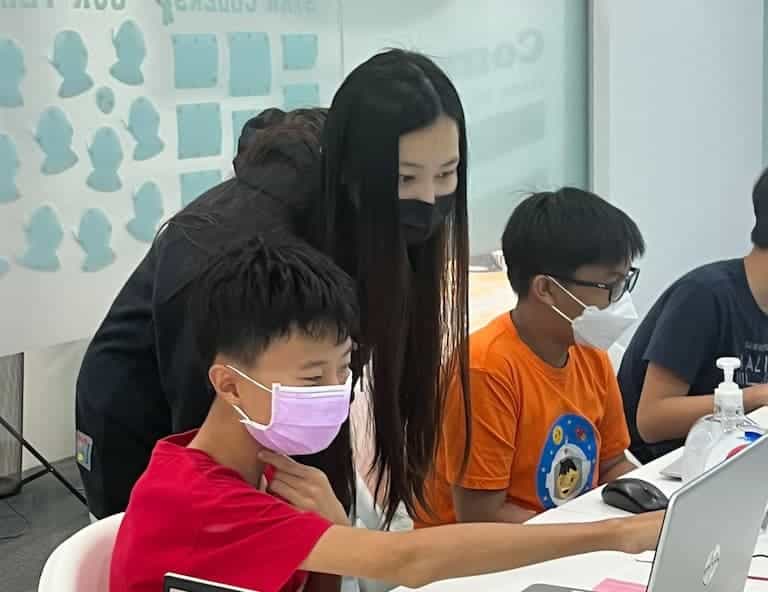
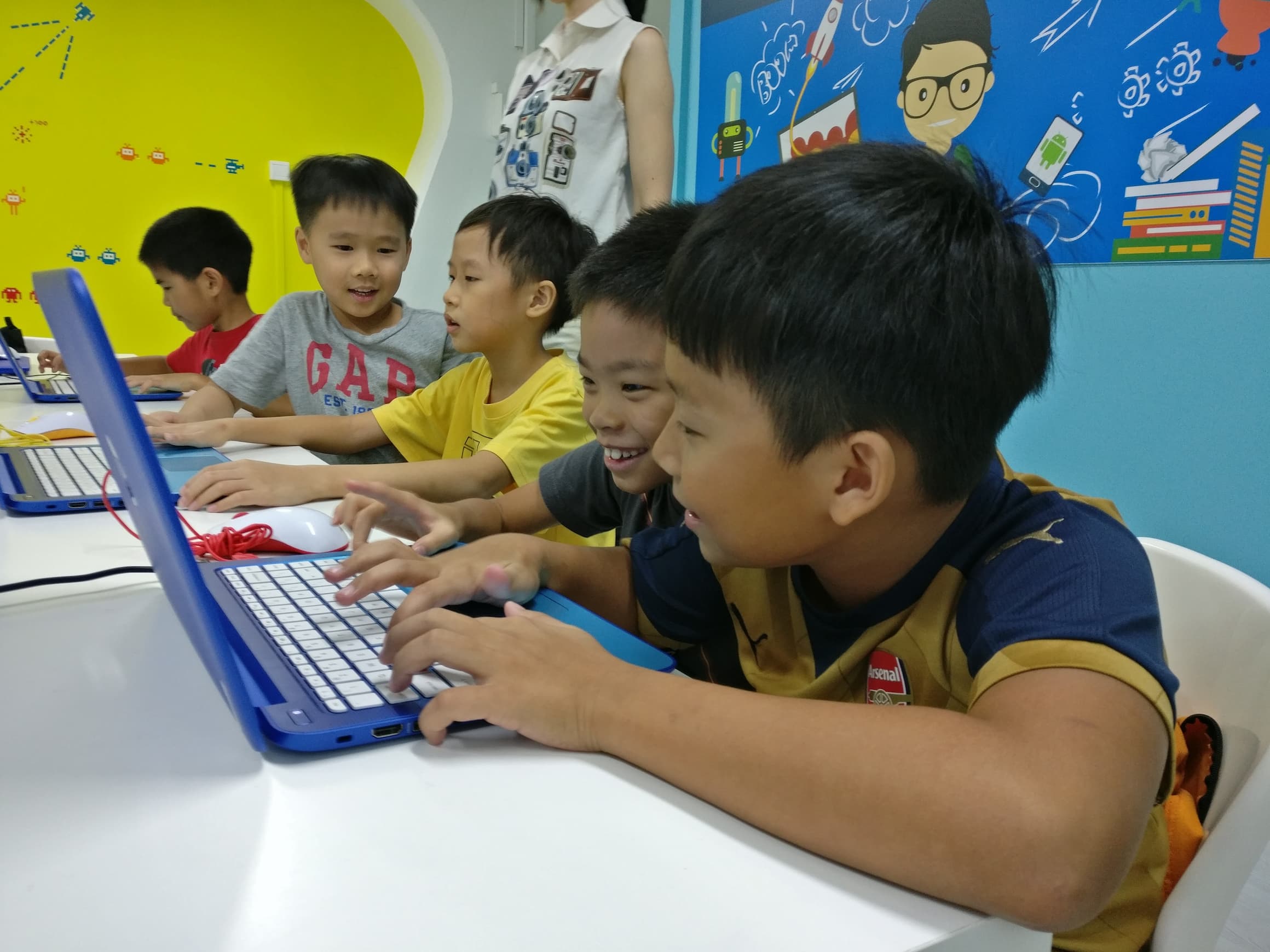
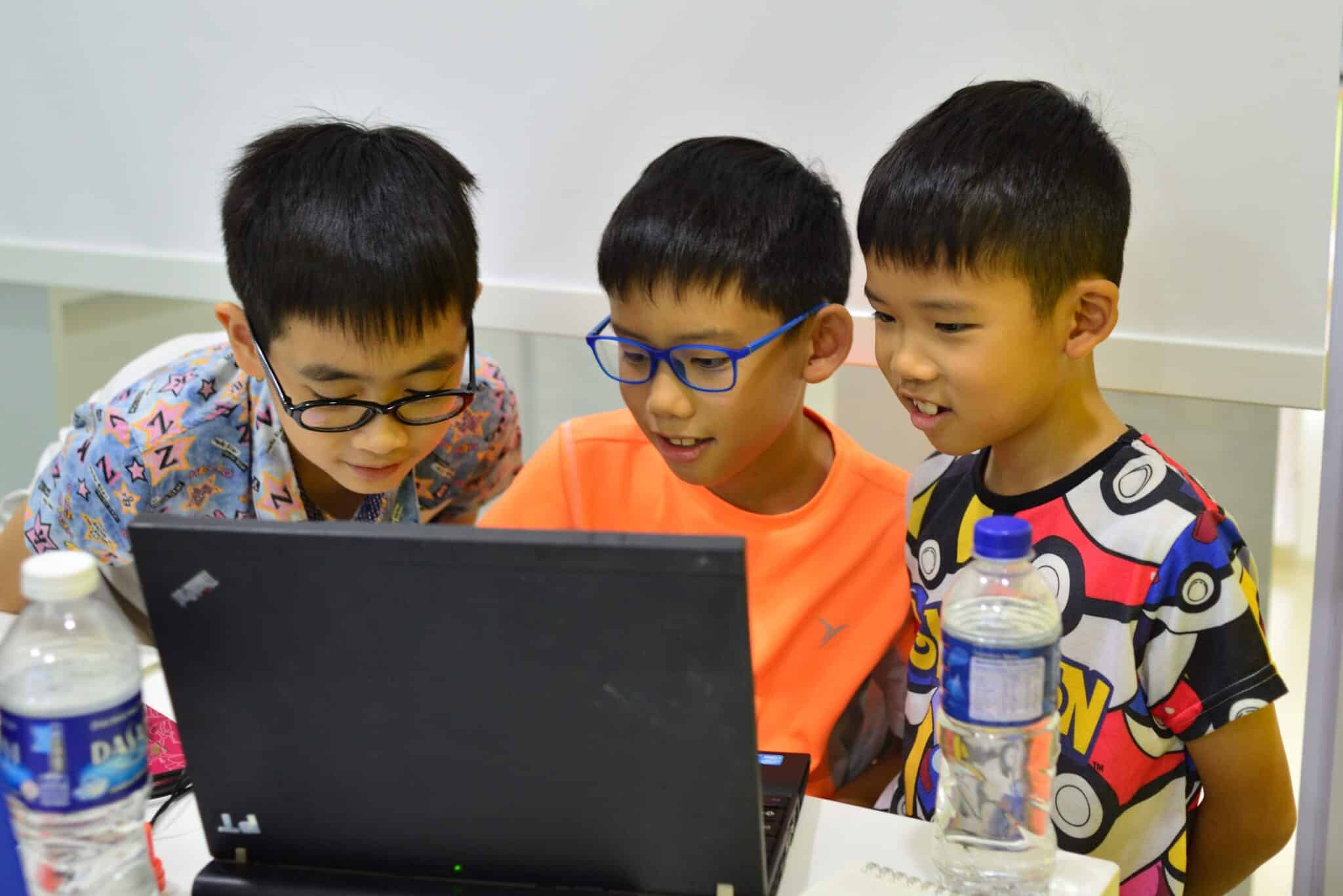
Photos from classes at Computhink@ToaPayohLibrary, and the projects our students have built.


Student projects
Every student builds a portfolio, and the best projects go into our public Project Gallery. Have a look at what children the same age as yours have made.
Student Web Portal
Every student gets a login to the Computhink Student Portal, which works like SLS. Class recordings, lesson notes, assignments and quizzes, grades and progress tracking all live there. If your child misses a week, the lesson is still there to watch.
What classes cost
The level assessment and the consultation are free
Class fees depend on which program your child is placed in and which billing option you choose.
There are three billing options: monthly, half-semester and full-semester. If your child joins partway through a term, the remaining term fees are pro-rated.
You get the exact figure for your child’s level at the consultation, before you enrol. Ask the Code Mentor, or WhatsApp us on +65 8858 6173 and we will send it to you.
Where the assessment happens
Computhink@ToaPayohLibrary
6 Toa Payoh Central, Singapore 319191
Phone and WhatsApp: +65 8858 6173
Email: classes@computhink.com.sg
Online assessments run on Zoom. Onsite is better if you can make it, because the Code Mentor can talk to you and your child in the same room, and you get to see the classroom before you commit to a term.

Practical questions
Do I have to sign up for the full semester, and can my child join halfway through?
You sign up for a full semester. There are three billing options: monthly billing, half-semester billing and full-semester billing.
If your child joins in the middle of a term, the remaining term fees are pro-rated and charged accordingly.
How does billing work?
There are three options: monthly, half-semester and full-semester. You choose which one suits you at enrolment. Mid-term joiners are pro-rated.
Does my child attend the same time slot every week?
Yes. Students attend the same time slot every week throughout the semester. Requests to change time slots are considered case by case and depend on slot availability.
What are the online classes like, and can my child mix online and onsite?
Online classes run on Zoom, at the same time as the physical classes at our centre. We recommend that students stick to either physical or online classes for the whole term rather than mixing them.
For the best learning experience we highly recommend joining classes onsite.
What does my child need for the classes?
Laptops are provided for students at our physical classes.
For online classes your child needs a laptop or computer with a strong wifi connection and a working webcam.
Recommended systemCPU: Intel Core i3-3210 3.2 GHz, AMD A8-7600 APU 3.1 GHz or equivalent
RAM: 8GB
What is the Student Web Portal?
Every student gets access to the Computhink Student Portal, which works like SLS.
In the portal students review class recordings, download lesson notes, access assignments and quizzes, review assignment grades and keep track of their progress.
What is your cancellation and refund policy?
Class sizes are small and seats are limited, so withdrawals are handled under a written policy.
Withdrawing during a semester. On monthly or half-semester billing, one calendar month’s notice is required, and the deposit is used to offset the fees for the relevant period where applicable. On semester billing, one calendar month’s notice is required and the semester fees paid are used to offset the fees for the relevant period where applicable. Unutilised fees are refunded after the relevant charges are deducted, where applicable.
Withdrawing during a semester break. One calendar month’s notice before the new semester is required, and the same offsetting applies.
Workshops and camps. A 100% refund, less any relevant charges, if you withdraw 7 or more days before the first class. Within 7 days of the first class, the balance is pro-rated and converted to class credits.
The one calendar month notice period starts from the working day you tell us you intend to withdraw. Deferring classes is not a withdrawal, but if a deferment later leads to a withdrawal, the withdrawal date is taken from the date of deferment.
What happens if my child misses a class?
Every Computhink class, online and onsite, is recorded. A student who misses a class reviews the lesson in the student portal. Subject to teacher availability, the student can ask to join the next scheduled class 15 minutes early to clear doubts about the recording.
Where a student misses a class, the Centre may at its sole discretion allow a make-up lesson in another ongoing class at the same centre during the same academic week, Monday to Sunday, provided that:
- there is more than one class of the same level;
- there is a vacancy in the class the student wants to attend;
- the make-up class is requested at least two weeks in advance.
Scheduling conflicts and class size limits mean a suitable class at a suitable time may not always exist. Where no make-up class can be arranged because there is no vacancy in another class, course fees are not refunded or pro-rated.
My child has coded before. Can he start at a higher level?
Yes. The level assessment is how we work out how much higher. During the assessment we learn about your child’s experience, capability and aptitude through a short test.
The test can be done online or onsite, though we recommend coming to Computhink@ToaPayohLibrary if you can. Afterwards our Code Mentors consult with you, recommend an appropriate level, and you choose a time slot that suits you.
Still deciding?
You do not have to guess which class fits. Twenty minutes with a Code Mentor and you will know the level, the program and what comes after it.