Small Class Size
Small & Individualised Learning
(Max 8 per class)
Location
Computhink@ToaPayohLibrary
6, Toa Payoh Central,
Singapore 319191
Equipment
Laptops and all equipment are provided for every student during class
Scratch Coding Camp Singapore
3-Day Beginner Coding Camp for Ages 7 to 11
The camp we recommend first for children who have never coded before.
In this 3-day camp, children aged 7 to 11 build games and animations in Scratch, the free and beginner-friendly coding platform developed by MIT. They snap together colourful code blocks, making coding simple, visual, and fun from the very beginning.
Along the way, they learn how code controls characters, movement, and interactions before progressing to game rules, scoring systems, and more advanced game mechanics. Each chapter introduces new coding concepts in a clear, step-by-step way, and at the end of the camp, children get to keep all of the projects they created.
Google Reviews


















Scratch Coding Camp for Kids
Scratch Coding Camps from 30 Nov to 16 Dec
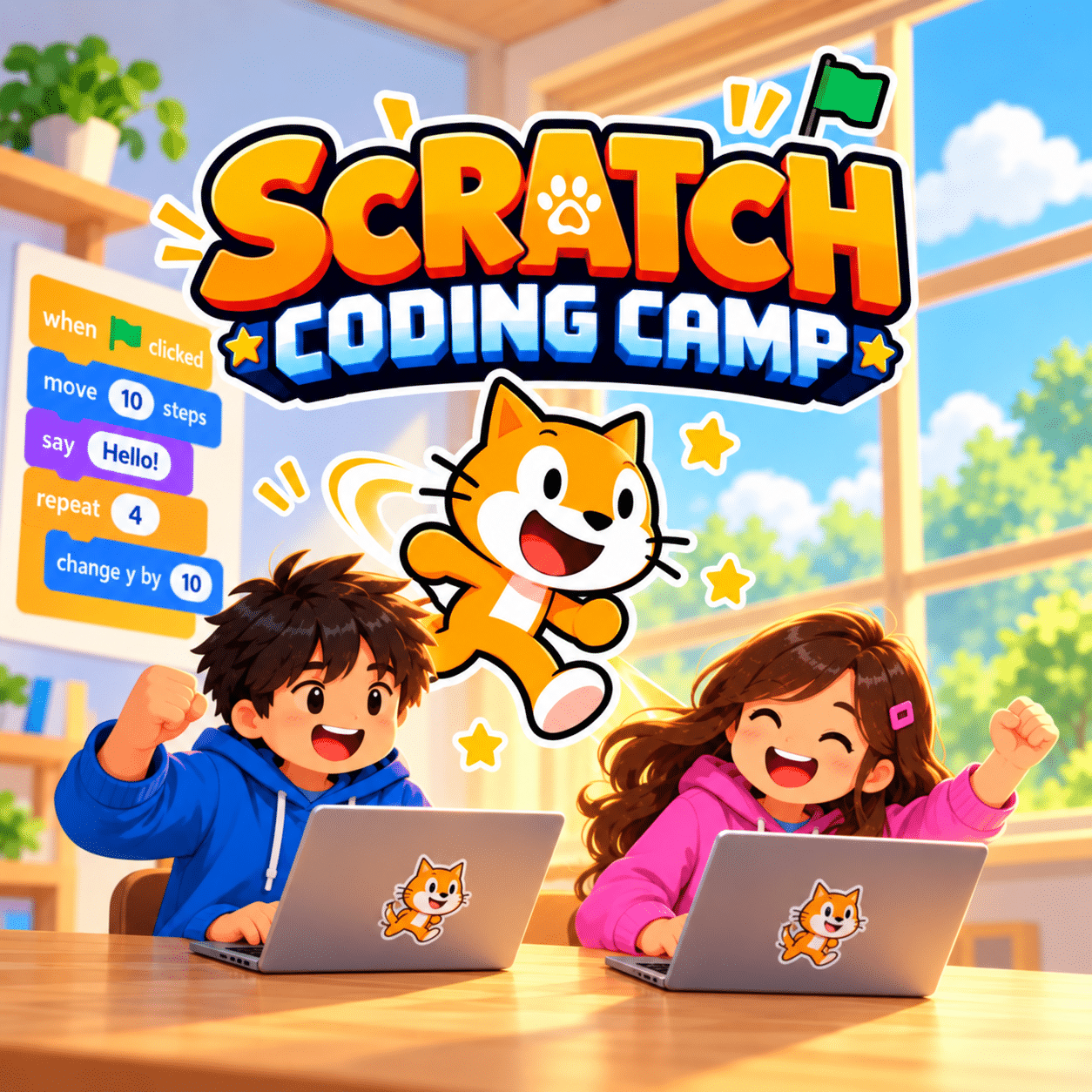
Scratch Coding Camp for Kids
For Kids Ages 7 to 11
Designed for First-Time Coders
Camp Slots:
3-Day Camp, 3 Hours/Day (Mon-Wed)
Camp Fees
$367
3-Day Camp
3-Hours / Day
Have questions?
Send us a message via WhatsApp
Camp Outline
The camp follows a story across three afternoons, and your child builds one or more Scratch projects each day. Every project is their own design, and they take all of it home at the end.
During the camp, each child also completes a short level assessment, and we recommend the right level for our regular weekly classes.
Day 1: First Steps in Scratch
Students discover how code controls characters, movement and events, and create their first interactive projects. They will:
• Learn how coding instructions work
• Sequence blocks in the right order
• Control movement and simple actions
• Create an animated or interactive scene
Key concepts: sequencing, events, creative thinking
Day 2: Making Games
Students turn their projects into games with rules, goals and scores. They will:
• Add interactivity with if-else conditions
• Use variables to keep score
• Create game rules and objectives
• Find and fix bugs to improve their code
Key concepts: conditions, variables, debugging, breaking problems into steps
Day 3: Creative Scratch Games
Students bring together everything they have learned to build more advanced interactive projects. They will:
- Use loops to add movement and animation
- Explore the Face Sensing extension
- Customise their projects with their own ideas
- Complete a collection of interactive games and animations
Key concepts: loops, animations, game mechanics, creativity
Across 3 afternoons, children make their own games and animations in Scratch and learn the coding ideas behind them. It is a fun, confidence-building first step into coding.
Learn loops, if-else conditions and variables
Create interactive projects while learning to code
Develop logical thinking by breaking a problem into steps
Practise finding and fixing bugs in their code
Finish projects they take home and keep building on
Discover whether coding is something they love
Learning Tools
At Computhink, our enquiry-based approach encourages students to think critically and understand the “why” behind their learning.
Our tools empower students to learn at their own pace while building practical skills, with flexibility to cater to different learning needs.
Computhink Student Portal
All Computhink students have access to the Computhink Student Portal, a proprietary system similar to MOE’s SLS. Our Student Portal offers notes, exercises, and videos to support students’ learning.
Scratch Coding Platform
Scratch, the free coding platform from MIT, is what your child uses throughout the camp. Children build programs by snapping code blocks together, and they can keep working on their projects at home after the camp.
Safe and Welcoming Environment
Students will attend their classes onsite. Laptop and all necessary equipment are provided. Online classes are available on a case-by-case basis.
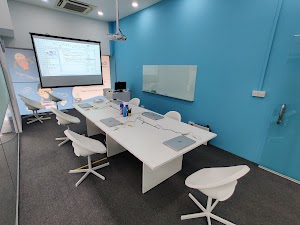
Onsite Classes are conducted in our spacious classrooms in Computhink@ToaPayohLibrary.

FAQs
My child has never coded before. Is this the right camp?
Yes. This is the camp we recommend first for children aged 7 to 11 who are new to coding. Scratch uses colourful drag-and-drop blocks, so children can start creating games and animations from the very first day.
What will my child make?
Children complete a series of Scratch projects, including games and animations that showcase the coding concepts they learn throughout the camp.
What coding concepts will my child learn?
Loops, if-else conditions, and variables, which are some key concepts found in every programming language.
What does my child need to bring?
Laptops and all equipment are provided, so your child just arrives ready to create.
What are the camp timings?
Monday to Wednesday, 2:00 pm to 5:00 pm, 3 hours a day. Your child joins one of the two camp weeks.
My child loves Minecraft. Which camp should we choose?
Both camps are beginner-friendly. Scratch suits children who enjoy creating games and animations from a blank canvas, while our Minecraft Coding Camp suits children who already love playing Minecraft.
How many children are in each class?
A maximum of 8 students per class, so every child gets individual attention.
Do you provide a certificate?
Yes. Every child receives a certificate of completion at the end of the camp.
What happens after the camp?
During the camp each child completes a short level assessment, and we recommend a level for our regular weekly classes.
Follow Us on Our Socials!
Follow us for coding tips, updates, exclusive discounts and more!