Small Classes
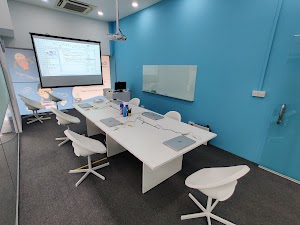
Kept small for maximum learning, so every child gets time with the teacher
Location
Computhink@ToaPayohLibrary
6, Toa Payoh Central,
Singapore 319191
Online classes also available
Equipment
Laptops, LEGO kits and software are provided for onsite lessons
Coding That Builds How Children Think
Children start with the things they already love: games, Minecraft worlds and robots. Along the way they learn to break a problem into steps, test an idea, and find out why something went wrong.
Those are the skills that matter when AI writes code too, because someone still has to decide what to build and check that it works.
Computhink has taught children this way since 2015, and each child moves up by showing what they can do.
Comparing schools? Read our guide to the best coding classes for kids in Singapore.
Google Reviews



















Choose a Track Your Child Will Love
Every track follows a clear progression. Ages are a guide; the free assessment shows where your child should start.
ScratchThinker
Ages 7 to 11
Make games and animations with Scratch, from first steps to full projects.
MineThinker
Ages 7 to 11
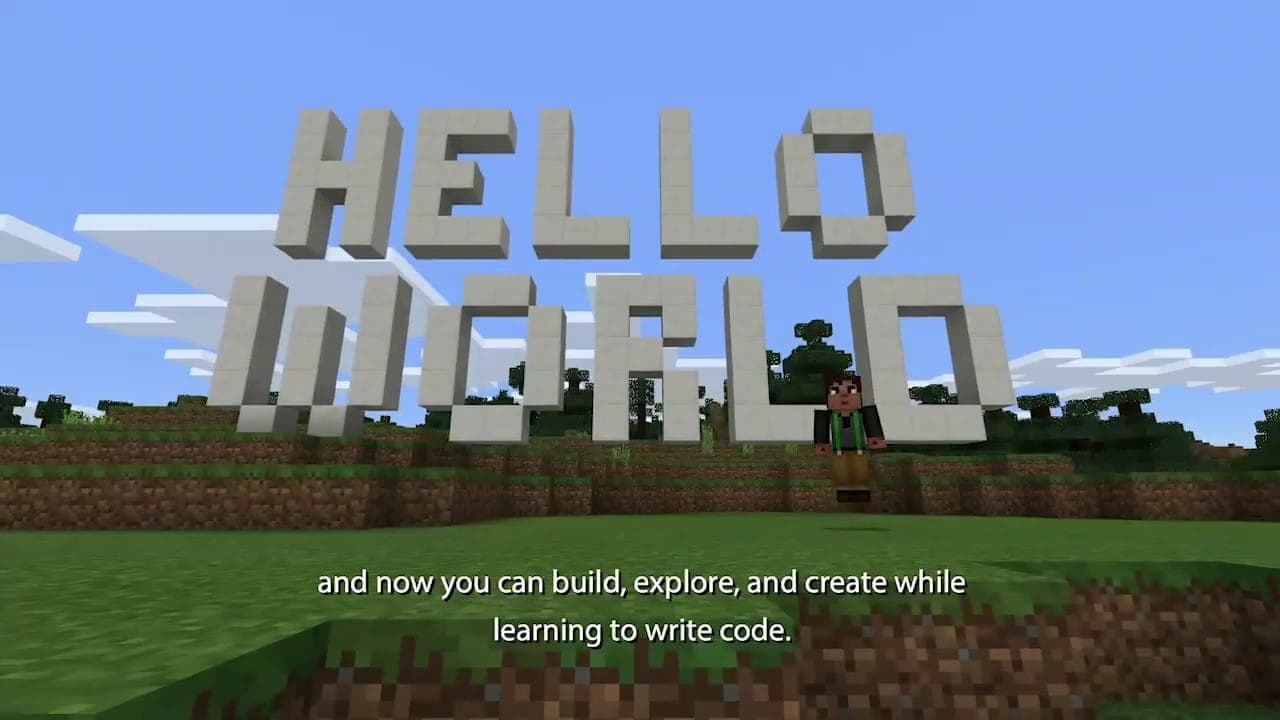
Code a Minecraft agent to build, solve puzzles and automate tasks.
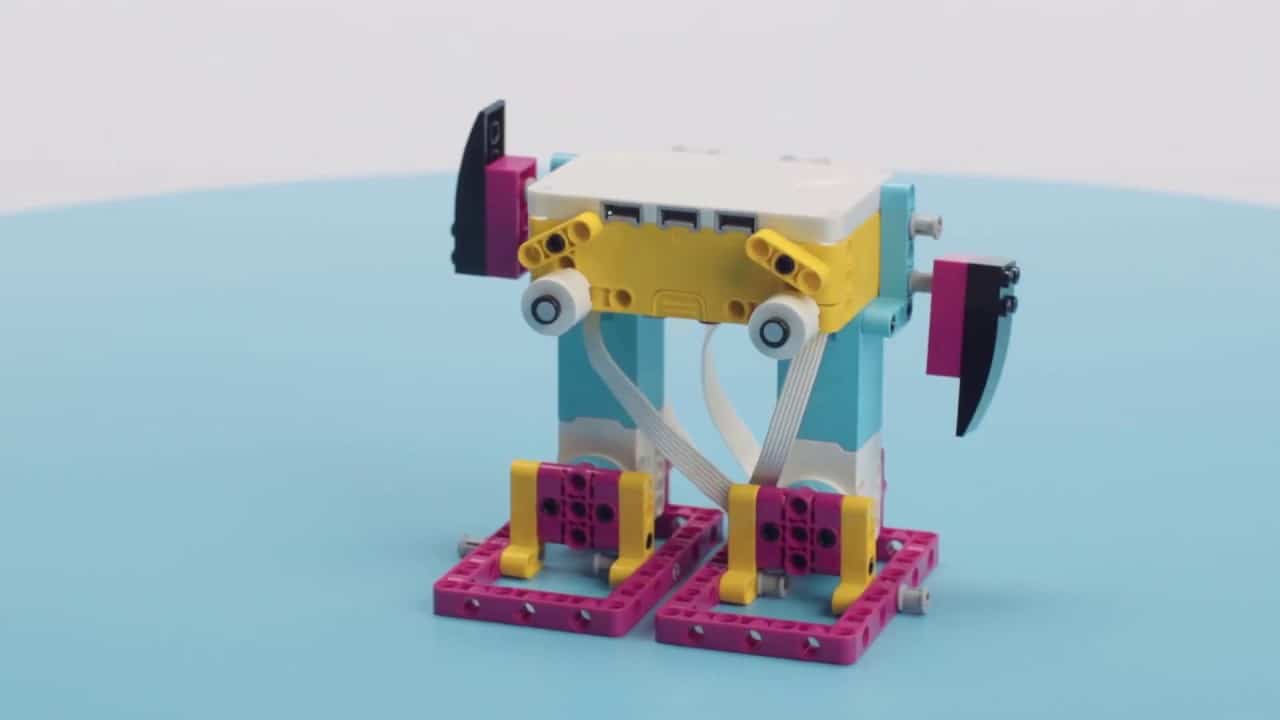
LEGO Robotics
Ages 7 to 11
Build LEGO SPIKE Prime robots and code them to move, sense and react.
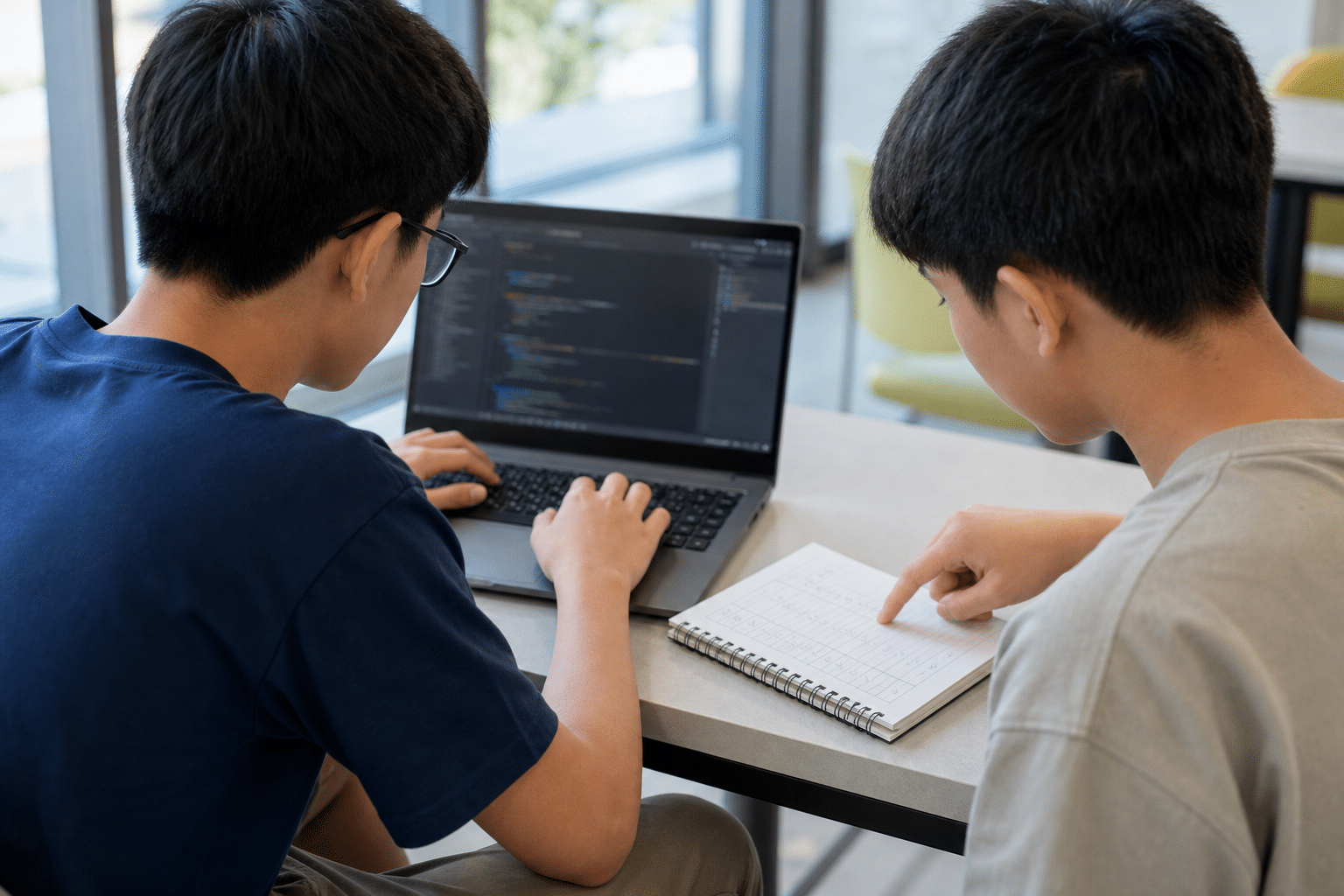
PythonThinker
Ages 12 and up
Write real Python programs, from games to useful tools.
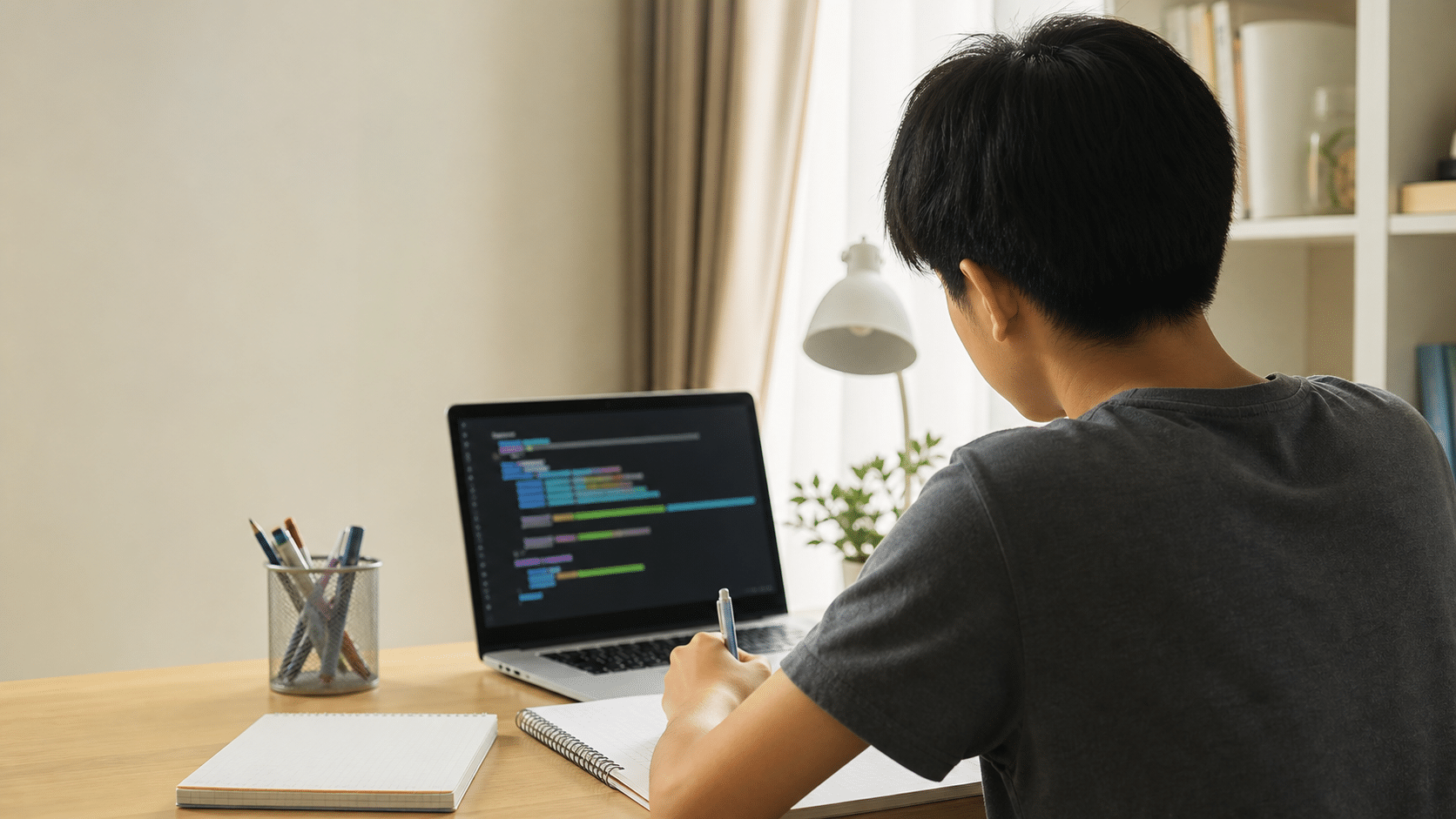
WebThinker
Ages 12 and up
Build interactive web pages and games with HTML, CSS and JavaScript.
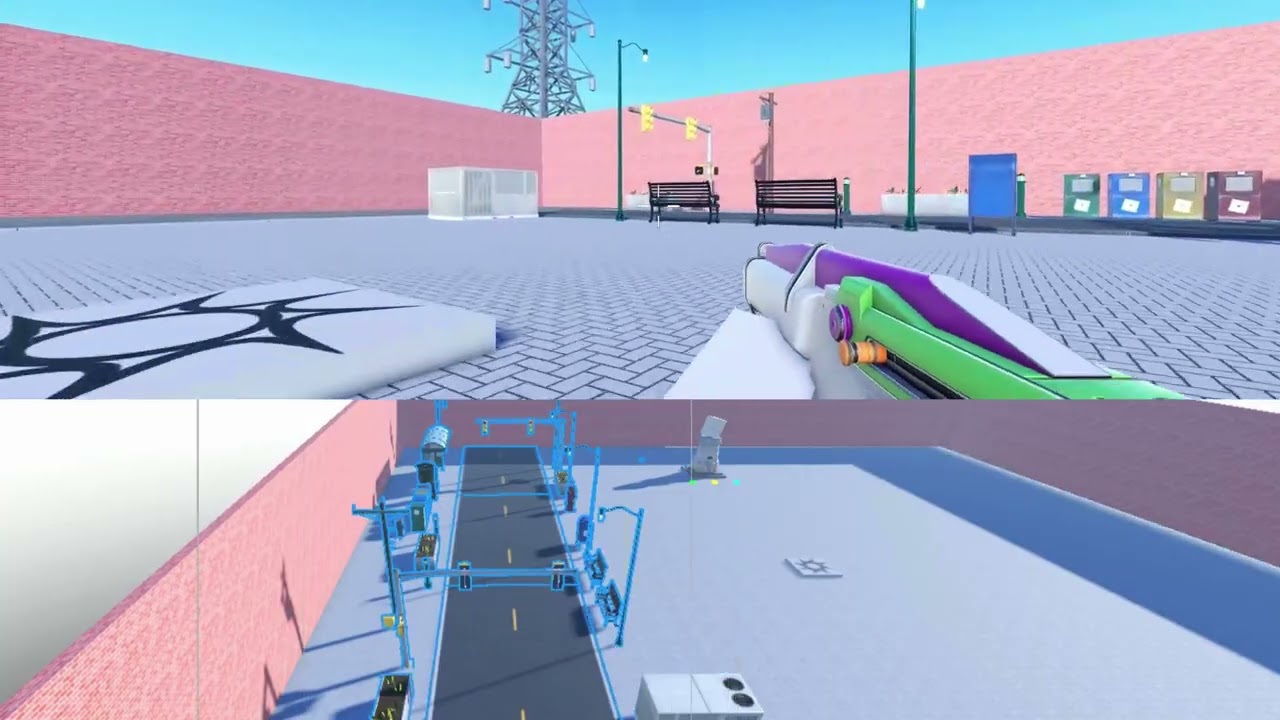
Roblox Studio
Ages 12 and up
Design and script your own Roblox games with Lua.
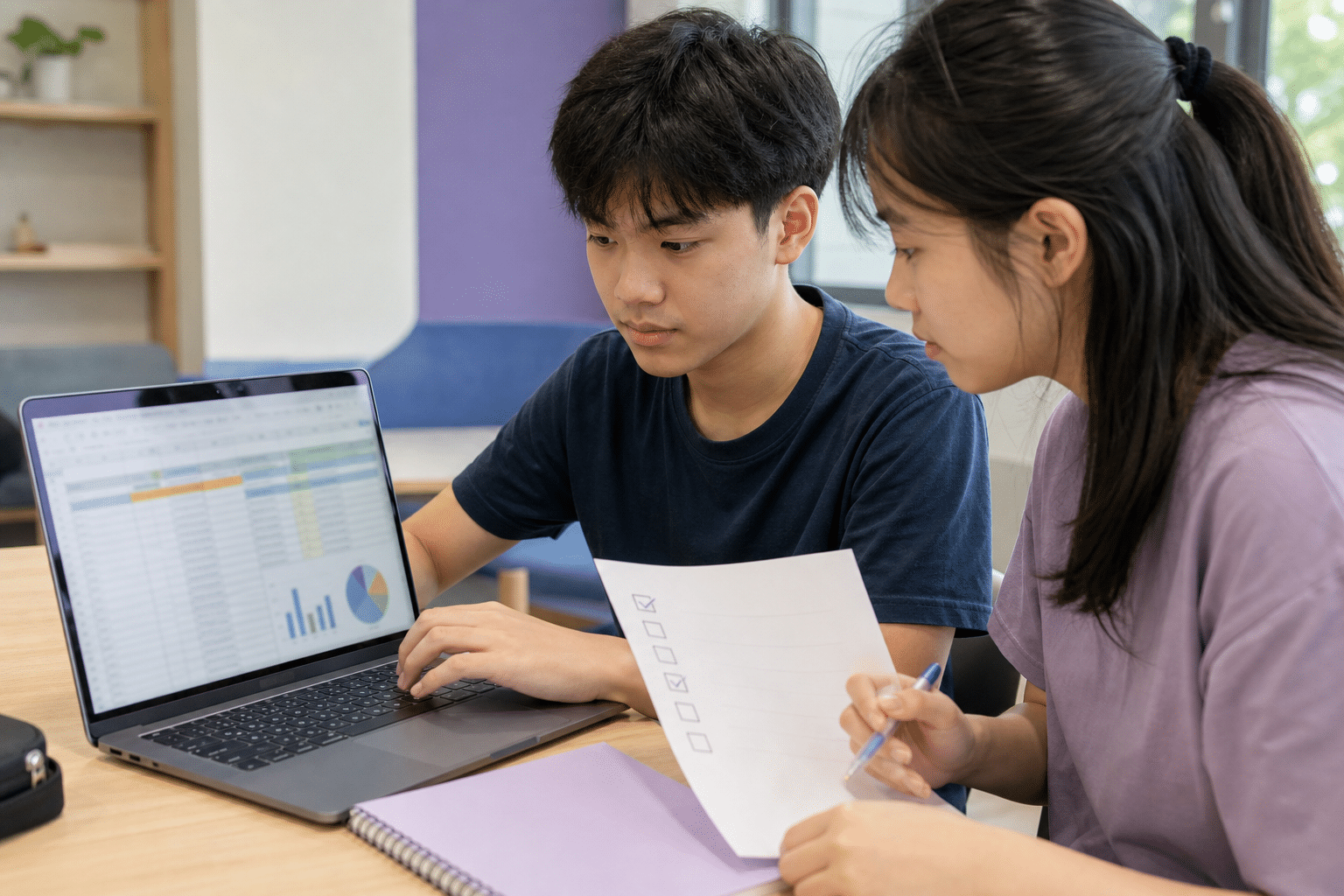
Machine Learning with Python
After PythonThinker
Use Python to train simple machine learning models on real data, and test how well they work.

G3 Computing Tuition
Secondary 3 and 4
O-Level Computing tuition with the Python practice the exam needs.
How Learning Works
Every child learns at their own level, with a teacher who knows where they are and what comes next.
Placement by free assessment
A 30-minute assessment shows what your child already knows, so they start at the right level and build on what they have mastered.
A typical lesson
Each 90-minute lesson starts with a short shared demonstration. Children then build and test at their own level while the teacher coaches each of them, and the lesson ends with a showcase of what they made.
Moving up a level
Children move up when they show they understand, through a short task they complete on their own.
Progress you can see
You get a report at the end of each semester, and children take home projects they can show you.
How we use AI
Children learn what AI is good at and where it goes wrong. When AI helps with a project, they still explain and test the work themselves.
What Your Child Will Be Able to Do
Whichever track they choose, children build the same core skills:
Break a big problem into small steps
Predict what a program will do, then test it
Find and fix their own bugs
Turn an idea into a working game, robot or project
Explain how their project works, in their own words
Judge whether an answer from AI is right
Learning Tools
At Computhink, our enquiry-based approach encourages students to think critically and understand the “why” behind their learning.
Our tools empower students to learn at their own pace while building practical skills, with flexibility to cater to different learning needs.
Computhink Student Portal
All Computhink students have access to the Computhink Student Portal, with lesson videos, notes and the next task for each child.
Scratch, Minecraft Education and LEGO SPIKE
Younger students build with Scratch, code a Minecraft Education agent, and program LEGO SPIKE Prime robots. Accounts and kits are provided.
Python, Web and Roblox Studio
Older students write Python, build for the web with HTML, CSS and JavaScript, and script games in Roblox Studio.
Onsite or online
Classes are held in our classrooms at Computhink@ToaPayohLibrary, with online classes as an option. Laptops and equipment are provided onsite.
Not sure where to start?
Book a free 30-minute level assessment, and we will recommend the right track and level for your child.
FAQs
Is coding still worth learning now that AI can write code?
Yes, and the reason has changed. AI can produce code, but someone has to decide what to build, spot when the result is wrong, and fix it. Children who learn to code learn to do exactly that, and our lessons also teach them how to use AI well.
How do you decide my child's level?
A free 30-minute assessment with one of our teachers. We recommend a starting track and level based on what your child can already do.
Can my child choose Minecraft or Python instead of a fixed order?
Yes, families choose the track that suits their child, and we recommend one if you would like guidance.
What age can my child start?
From 7. Ages on each track are a guide, especially for ages 7 to 9; the free assessment shows the right starting point.
Where are classes held?
At Computhink@ToaPayohLibrary, with online classes as an option. Laptops and equipment are provided for onsite lessons.
How will I know my child is progressing?
Children move up by showing what they can do, and you receive a report at the end of each semester.
Follow Us on Our Socials!
Follow us for coding tips, updates, exclusive discounts and more!